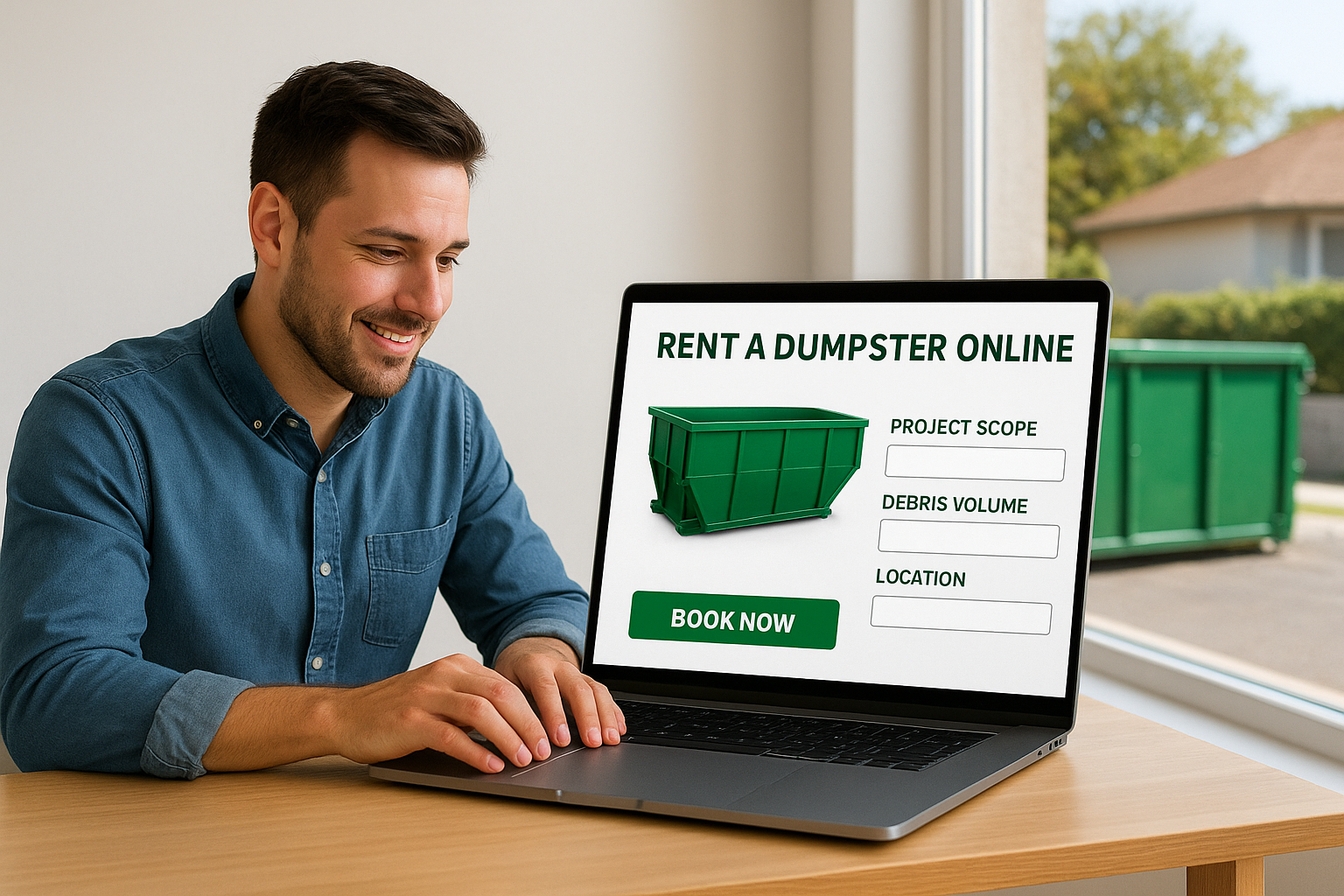
You can rent a dumpster online in about five minutes, if you know what to look for before you click "Book Now." The problem is, most people don’t. They guess on size, skip the fine print on weight limits, and end up paying overage fees they didn’t see coming.
Whether you’re clearing out a basement on Cape Cod or managing debris from a renovation in Plymouth, the online booking process should work in your favor, not against it. At Dump Express, we’ve spent over 20 years delivering dumpsters across 40+ towns in the Cape Cod and Plymouth area, and we’ve seen what happens when customers book without the right information. Wrong sizes. Surprise surcharges. Missed delivery windows that throw off entire project timelines.
This guide walks you through every step of booking a dumpster rental online, from choosing the right container size to confirming your delivery date, so you get exactly what you need the first time. No second-guessing, no wasted money, no extra trips.
What you need before you rent a dumpster online
Before you click "Book Now" on any dumpster rental website, you need three pieces of information: your project type, your approximate debris volume, and your delivery location. Without these, you’re guessing on size and risking extra fees. Taking five minutes to gather this information upfront saves you from overpaying for an oversized container or calling for a second pickup because you ran out of space.
Know your project scope
Your project type determines both the dumpster size you need and the category of materials you’ll be disposing of. A basement cleanout looks very different from a roofing tear-off or a kitchen renovation. Before you rent a dumpster online, write down a rough list of what you’re tossing and estimate how much space it will take up.
If you’re unsure about volume, picture how many pickup truck loads your debris would fill. One standard pickup truck load equals roughly 2 cubic yards.
Here’s a quick reference to match project type to typical dumpster size:
| Project Type | Typical Dumpster Size |
|---|---|
| Small home cleanout or single-room declutter | 5-yard |
| Full basement or garage cleanout | 10-yard |
| Kitchen or bathroom renovation | 10-15-yard |
| Large home renovation or multi-room cleanout | 15-20-yard |
| Roofing, concrete, or construction debris | 10-20-yard |
Understand weight limits and prohibited items
Every dumpster rental comes with a weight allowance, and exceeding it triggers overage charges that add up fast. Know roughly how heavy your debris is before you book. Heavy materials like concrete, dirt, and roofing shingles hit weight limits much faster than lighter materials like furniture, drywall, or cardboard.
You also need to know what you cannot put in a dumpster. Prohibited items typically include hazardous waste, tires, batteries, paint, and appliances containing refrigerants. Check your provider’s restricted materials list before loading day so you’re not scrambling to remove something at the last minute.
Step 1. Confirm service area and town pricing
Before you do anything else, verify that your provider delivers to your specific town. Dumpster rental companies often list wide service regions on their websites, but pricing and availability vary by location, sometimes from one town to the next. A provider covering Cape Cod may charge different rates in Falmouth than in Provincetown. Confirming this before you book prevents wasted time and avoids the frustration of completing a checkout only to receive a cancellation call afterward.
Check your town’s coverage before booking
When you rent a dumpster online, search for a town-specific pricing page or service area map before entering any payment details. If your town isn’t clearly listed, call the company before assuming they can deliver. Here’s what to confirm at this stage:
- Your town is in the active service area
- A confirmed delivery date is available for your timeline
- Pricing is listed upfront for your specific location
Review what’s included in the town rate
Town-level pricing differences reflect real costs: disposal fees, travel distance from the provider’s yard, and permit requirements tied to each municipality. Some towns require a permit when a dumpster sits on a public street, and that cost is not always included in the base rate. Ask your provider directly whether permits are handled on your behalf or billed as a separate line item before you confirm your order.
Always verify the full cost before completing your booking, including any permit fees or town-specific surcharges.
Step 2. Pick the right dumpster size
Picking the wrong size is the most common mistake people make when they rent a dumpster online. Go too small and you’re calling for a second container. Go too big and you’ve paid for space you didn’t use. Dump Express offers four sizes: 5-yard, 10-yard, 15-yard, and 20-yard containers, each suited to a different scope of work.
Match your debris to a container
Your debris type and volume together determine which size fits. Light, bulky materials like furniture and trash bags take up volume without adding much weight. Dense materials like concrete, tile, and shingles hit weight limits fast, so a smaller container often makes more sense to avoid overage charges.
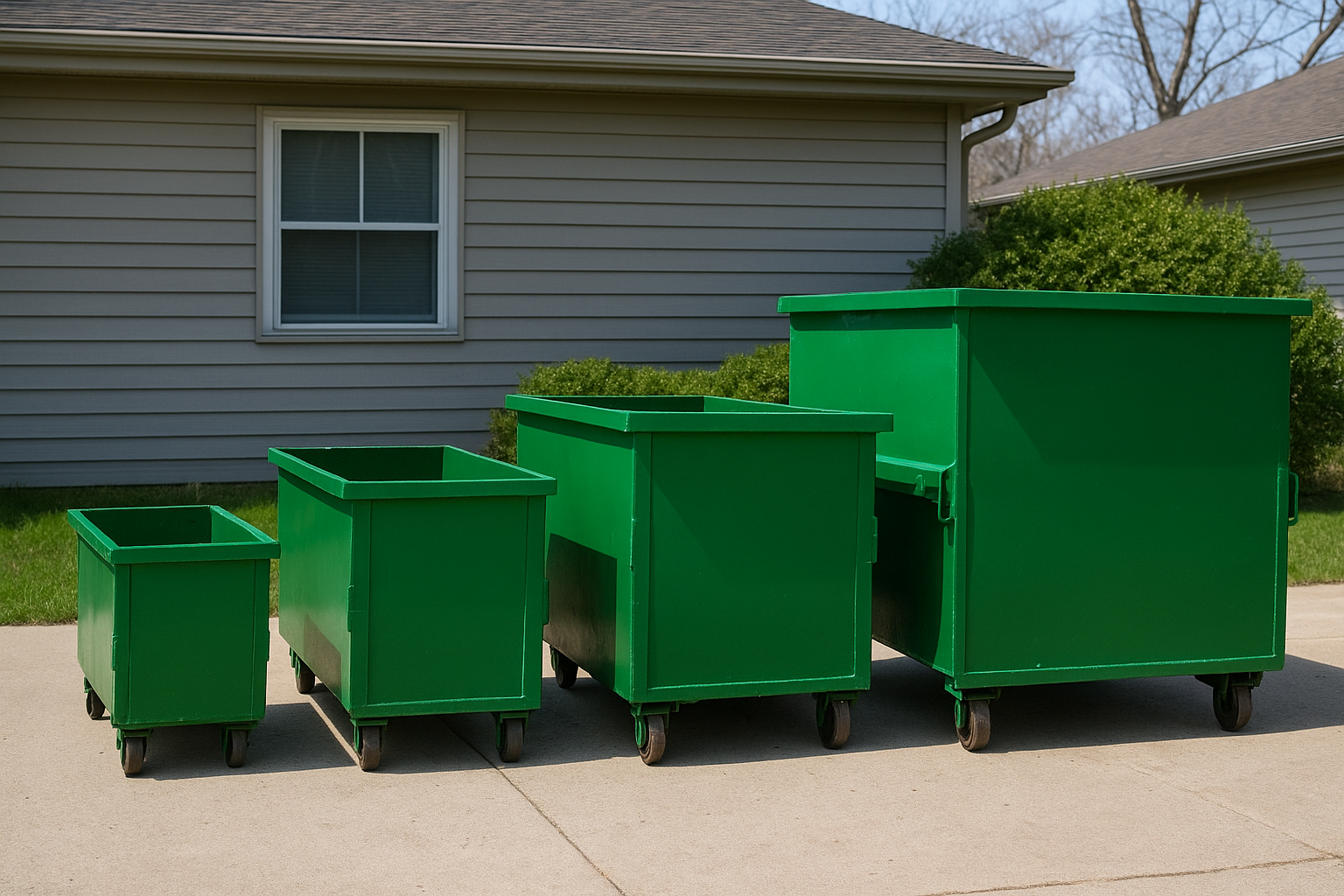
| Container Size | Best For |
|---|---|
| 5-yard | Small cleanouts, single-room clear-outs, minor yard waste |
| 10-yard | Full garage or basement cleanouts, small renovations |
| 15-yard | Multi-room renovations, medium construction debris |
| 20-yard | Large home renovations, roofing, major site cleanup |
When to size up
If your debris list sits between two sizes, choose the larger container. The cost difference between sizes is almost always less than the fee for a second pickup.
When in doubt, a short call to your rental provider can confirm the right size before you book.
Projects almost always produce more waste than expected once work begins. Budget for the extra space upfront rather than paying a second delivery and pickup fee later.
Step 3. Choose delivery, placement, and rental terms
Once you’ve confirmed your size and pricing, you need to lock in three logistical details before completing your online booking: your delivery date, where the dumpster will sit on your property, and how long you’ll need it. Getting these right upfront prevents scheduling conflicts and avoids extra fees for extended rentals or repositioning.
Pick your delivery date and placement spot
Your delivery date sets the pace for your entire project, so pick a date you’re certain of rather than one that’s close but uncertain. When you rent a dumpster online, most booking forms ask for placement instructions. Be specific. Tell the provider exactly where on your property you want the container, and measure the space beforehand if you’re placing it in a driveway or near a structure.
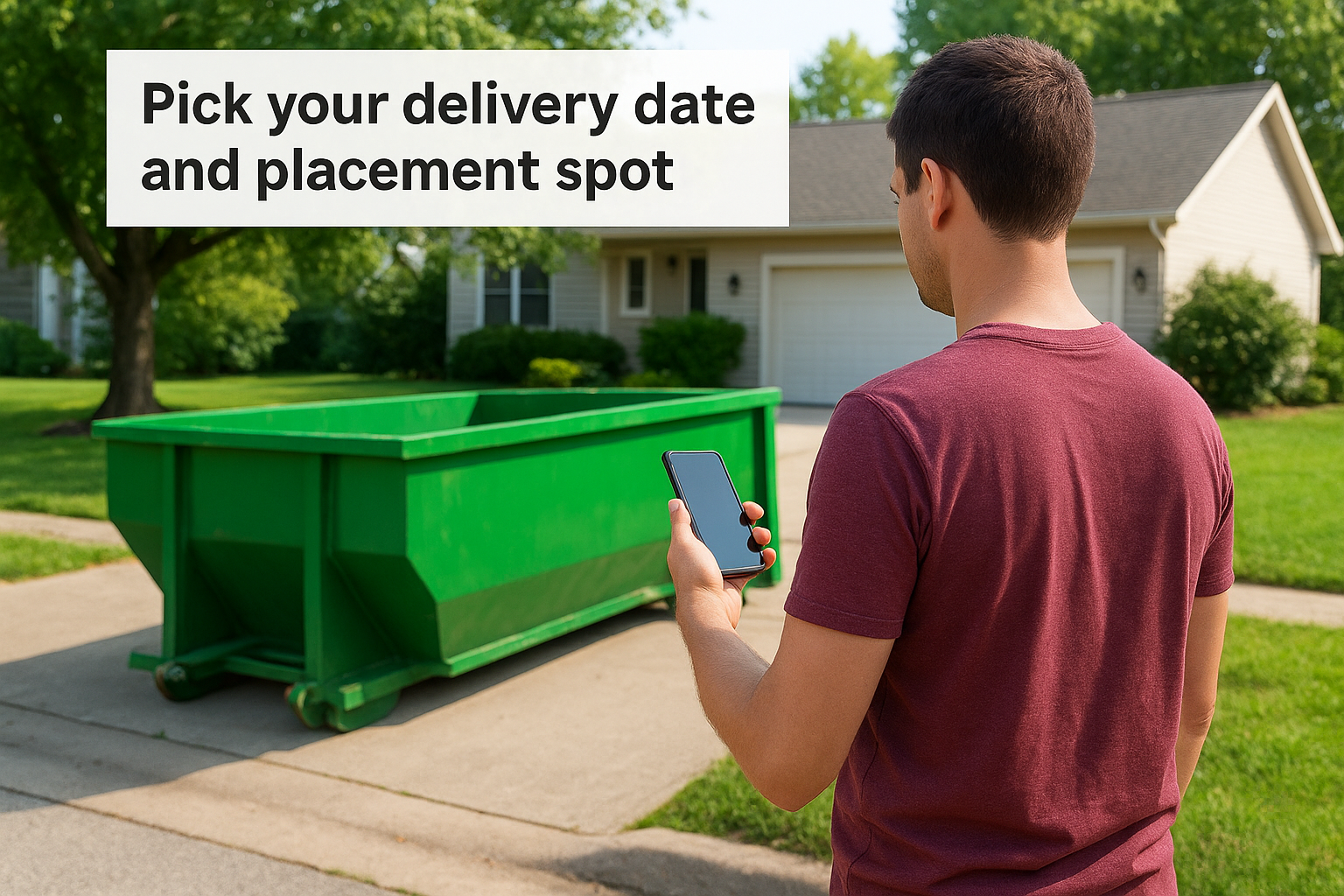
A standard 10-yard dumpster needs roughly 10 feet of width and 14 feet of length, so measure before you confirm placement.
Use this checklist before you confirm delivery:
- Clearance above the drop zone: at least 22 feet of vertical clearance for overhead wires or branches
- Surface type: concrete and asphalt are ideal; soft ground may require plywood protection
- Access width: the delivery truck needs at least 10 feet of clearance to maneuver
Understand rental length and extension fees
Most dumpster rentals run on a fixed rental period, typically 3 to 7 days depending on the provider. If your project runs long, you’ll pay a daily extension fee. Confirm the standard rental length and extension rate per day before you book so there are no surprises when pickup day arrives.
Step 4. Load the dumpster and schedule pickup
Once the dumpster arrives, you’re ready to fill it. How you load it affects both safety and final cost, so follow a simple method: heavy materials go in first, flat against the bottom, and lighter items stack on top. This approach maximizes usable space and keeps the load stable during transport.
Never fill the dumpster above the top rail. An overloaded container is a safety hazard and the driver will not haul it until you remove the excess debris.
Load smart, then request pickup
Start by placing the heaviest pieces first, such as concrete chunks, tile, or lumber, then layer furniture and lighter debris on top. Fill gaps with smaller items to avoid wasted space. When you rent a dumpster online, most providers let you request pickup directly through your account portal or by phone once your rental period is active. Contact your provider as soon as you finish loading.
Use this checklist before you call for pickup:
- Debris is below the fill line marked on the container
- No prohibited materials are mixed in with general waste
- The access path is clear for the pickup truck
- You have confirmed the pickup date in writing
Scheduling pickup promptly keeps your project moving and avoids paying unnecessary extension fees on days the container sits idle on your property.
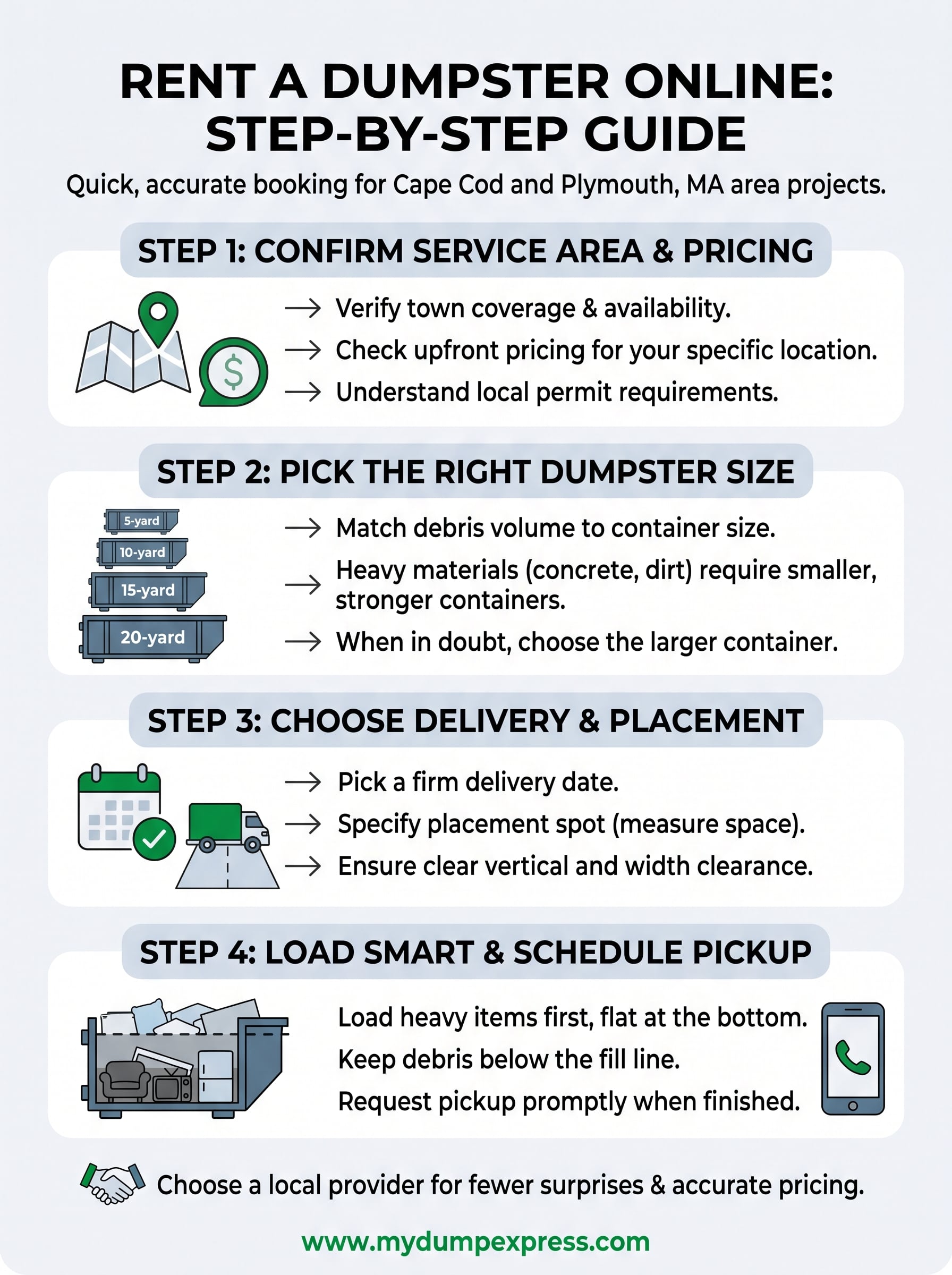
Quick wrap-up
Renting a dumpster online is straightforward when you follow the right steps in order. Confirm your service area and town pricing first, then match your debris volume to the correct container size. Choose a firm delivery date, plan your placement spot before the truck arrives, and load heavy materials at the bottom to maximize space and keep the load stable during transport. Request pickup as soon as you finish loading to avoid paying extra daily fees on a container sitting idle on your property.
Working with a local provider who knows your town’s regulations, permit requirements, and road access means fewer surprises and more accurate pricing upfront. That combination saves time and protects your project budget from unexpected charges.
Rent a dumpster on Cape Cod with Dump Express and get a confirmed delivery date, transparent town-specific pricing, and a team that has served the area for over 20 years.